
Download GamerzDB – Manage Your Video Game Collection Across 60+ Platforms
Overview
GamerzDB is a dedicated mobile application designed to help gamers organize and manage their video game collections across more than 60 different platforms. Whether you collect physical copies, digital downloads, or retro titles, GamerzDB provides a centralized hub to track every game with detailed metadata. The app solves the common challenge of scattered game records by consolidating information such as developer names, release dates, cover art, and personal notes into a single, accessible interface. This makes it ideal for collectors, enthusiasts, and casual players who want a structured way to catalog their gaming history.
Target users include retro gamers, digital library managers, and collectors who maintain multiple consoles or platforms. The app is particularly useful for those who frequently purchase games and want to keep a record of their acquisitions, including where and when they were bought. While the developer is listed as the GamerzDB Team, no additional background on the organization is provided. Real-world use cases include tracking rare or limited-edition releases, preparing for trade-ins, or simply reliving memories tied to specific games. In the broader app ecosystem, GamerzDB fills a niche for productivity tools tailored to gaming communities, offering a specialized alternative to generic digital organizers.
Key Features & Functionality
- Extensive Platform Support: GamerzDB supports over 60 gaming platforms, from classic systems like the NES and Sega Genesis to modern consoles such as PlayStation and Xbox. This broad compatibility ensures that users can include games from nearly any era or system in their personal catalog.
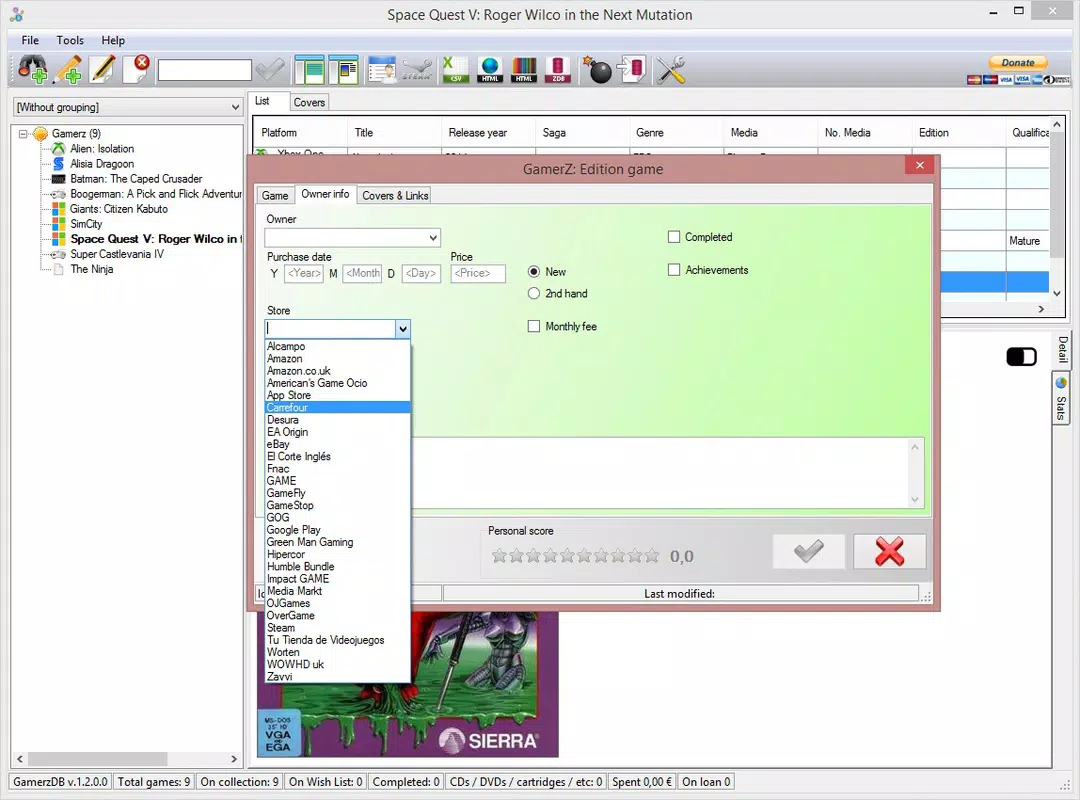
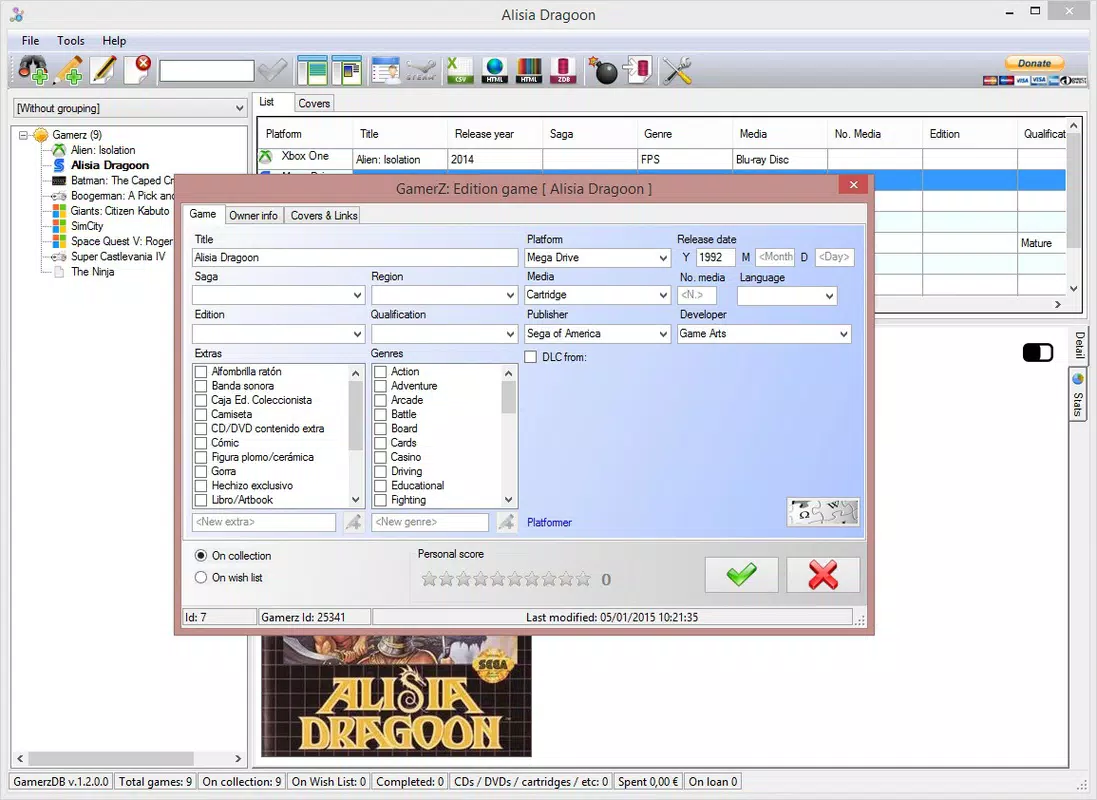
- Detailed Game Information: Each entry captures key data points including developer names, release dates, cover art, and customizable purchase notes. This depth allows users to preserve context and personal significance beyond simple titles.
- Effortless Game Addition: Users can search for games by name, release date, or genre, then select from a curated list of results. This streamlined process minimizes manual input and reduces errors during catalog creation.
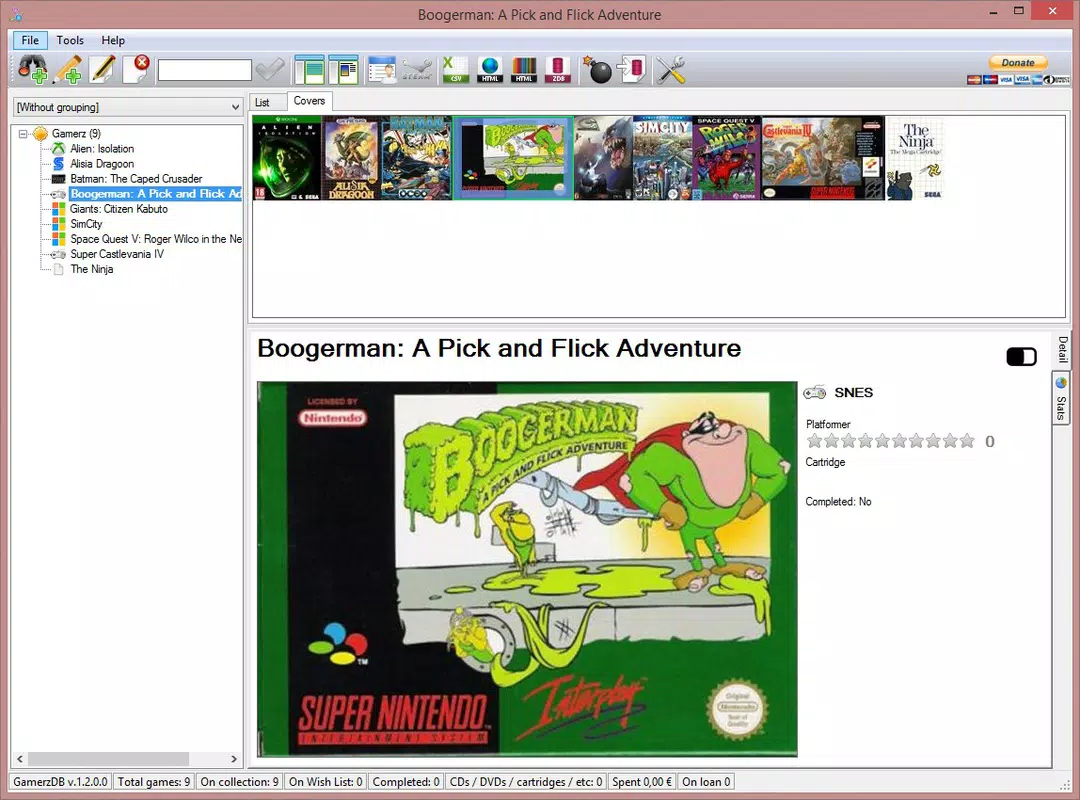
- Customizable Catalog Management: Once added, games can be filtered by platform, year, genre, or format. This functionality enhances discoverability and helps users quickly locate specific titles within large collections.
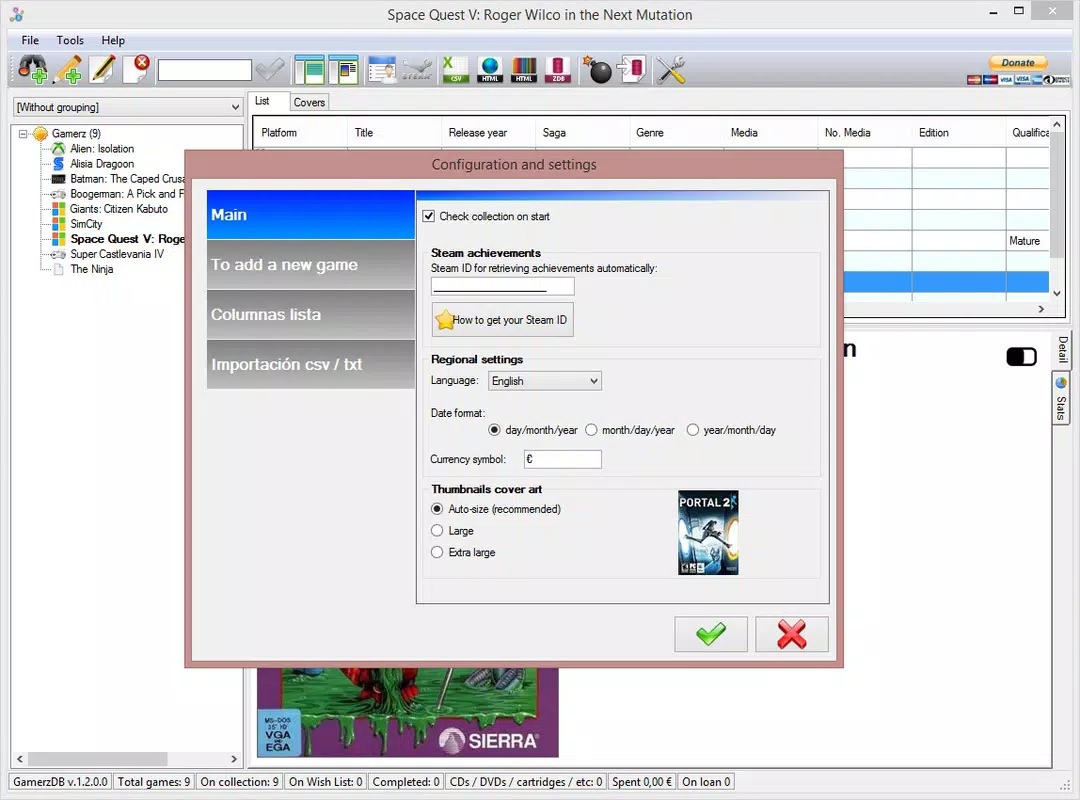
- Import Steam Library Feature: For Steam users, the app offers a direct import tool to sync existing game libraries. This eliminates the need for manual entry and accelerates the setup process for digital-focused collectors.
For example, a retro gamer can add a rare SNES cartridge with its release date and a note about where it was purchased. A Steam user can import their entire library in seconds, then add personal ratings or play status. These features collectively enhance usability and support long-term engagement with the app.
Interface, UX & Performance
The user interface of GamerzDB appears to prioritize clarity and functionality, with a clean layout that emphasizes game listings and metadata. Visual design is minimalistic, focusing on readability and efficient navigation. Users can browse their collection through list or grid views, depending on preference. Navigation is structured around a main menu that allows quick access to adding games, viewing filters, and managing settings.
Although the developer did not list formal performance metrics, the app’s 12.5 MB size suggests a lightweight footprint, which typically correlates with smooth operation on mid-range and older Android devices. Responsiveness is expected to be consistent, given the app’s focus on data management rather than media playback or real-time interaction. Stability is likely maintained through regular updates, though specific details on crash rates or background performance were not disclosed. The app does not require complex permissions beyond storage access for importing data, which aligns with standard utility practices.
Platform Compatibility & Technical Requirements
GamerzDB is available exclusively on the Android platform. The current version is 1.5.2, with a file size of 12.5 MB. The developer did not specify minimum OS requirements or device compatibility details.
However, given the app’s modest size and focus on data storage, it is likely compatible with a wide range of Android devices released since 2016. Users should ensure their device runs a modern version of Android to support the latest features and security updates. No information was provided regarding iOS availability or cross-platform synchronization.
Pros and Cons
Pros
- Supports over 60 gaming platforms, enabling comprehensive collection tracking.
- Allows detailed game entries with developer info, release dates, and personal notes.
- Streamlined game addition via search and selection from results.
- Includes a convenient Steam library import feature for digital users.
- Lightweight design with a small file size, suitable for older devices.
Cons
- Platform availability is limited to Android; no iOS version was mentioned.
- Specific technical requirements such as OS version or RAM were not disclosed.
- Import functionality is limited to Steam; no support for other platforms like PlayStation Network or Nintendo Switch Online.
- No cloud sync or backup feature was specified, which may affect data recovery.
- Developer did not provide information on update frequency or future roadmap.
FAQ
Is GamerzDB free to download and use?
Yes, GamerzDB is available at no cost. The app does not require a subscription or in-app purchases to access its core features.
Can I use GamerzDB on iOS devices?
The developer did not provide information about iOS compatibility. Currently, the app is only available on Android.
How do I import my Steam library into GamerzDB?
GamerzDB includes a dedicated import feature that allows users to sync their Steam game library directly. This process typically involves connecting your Steam account and selecting the games you wish to add.
Does the app support cloud backup or syncing across devices?
The developer did not disclose whether cloud backup or cross-device synchronization is available. Data is likely stored locally on the device.
Is GamerzDB safe to install and use?
As a free Android app with a small file size and no reported security issues, GamerzDB appears to be secure. Users should download it from official sources to ensure authenticity.
Final Thoughts
GamerzDB stands out as a focused, practical tool for gamers who value organization and detail. Its ability to manage collections across 60+ platforms, combined with features like Steam import and customizable metadata, makes it a valuable asset for both casual players and serious collectors. While it lacks cross-platform support and cloud sync, its lightweight design and free access offer strong value. The app is especially beneficial for users who want to preserve the history and context of their gaming journey. For anyone looking to bring order to a scattered library, GamerzDB delivers a reliable, no-frills solution.
Download GamerzDB now


